Your apps, one tap away
macOS Tahoe ditched the app launcher. LaunchGrid brings it back - just replace the Launchpad icon in your dock and you're good to go.
Download
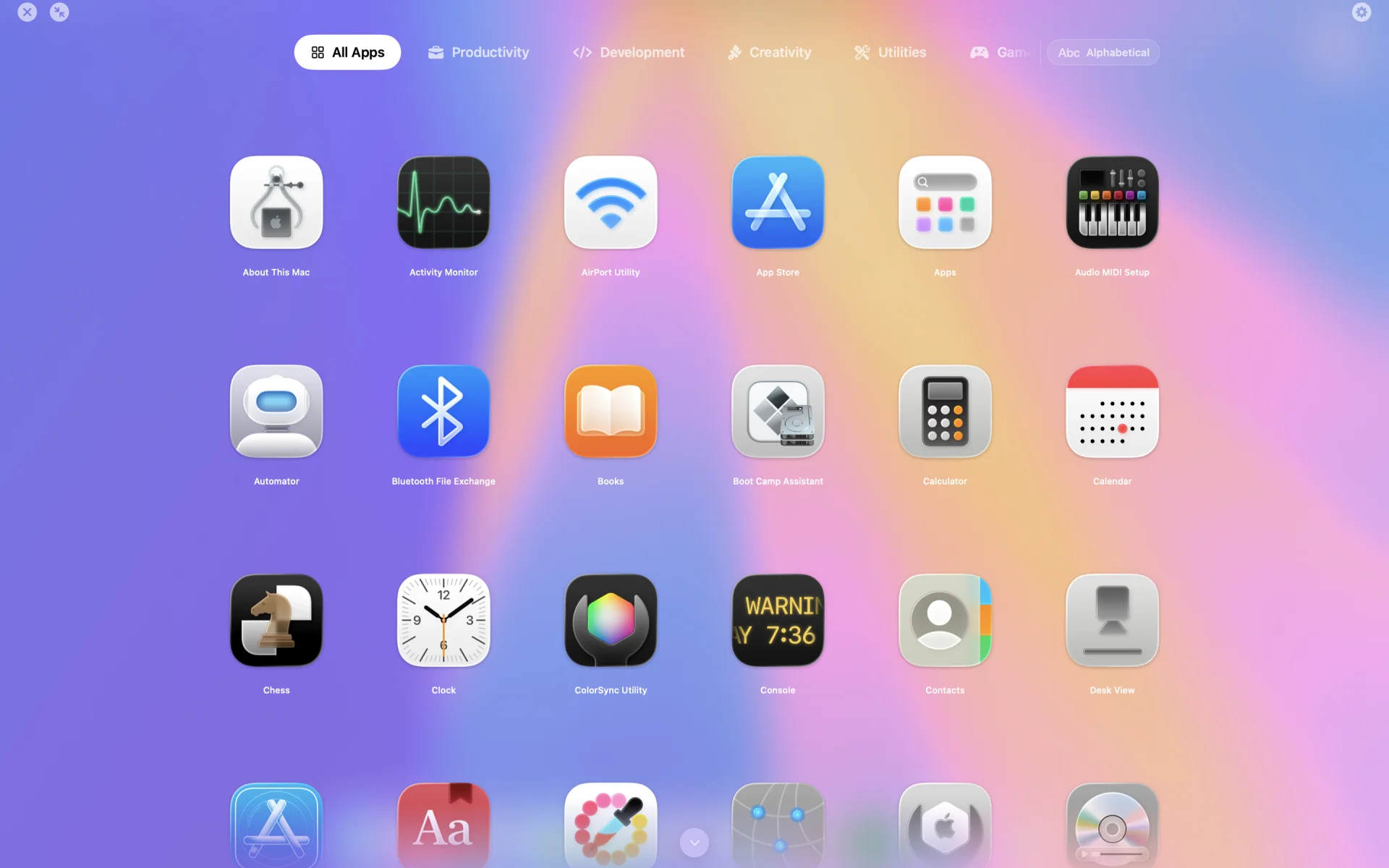
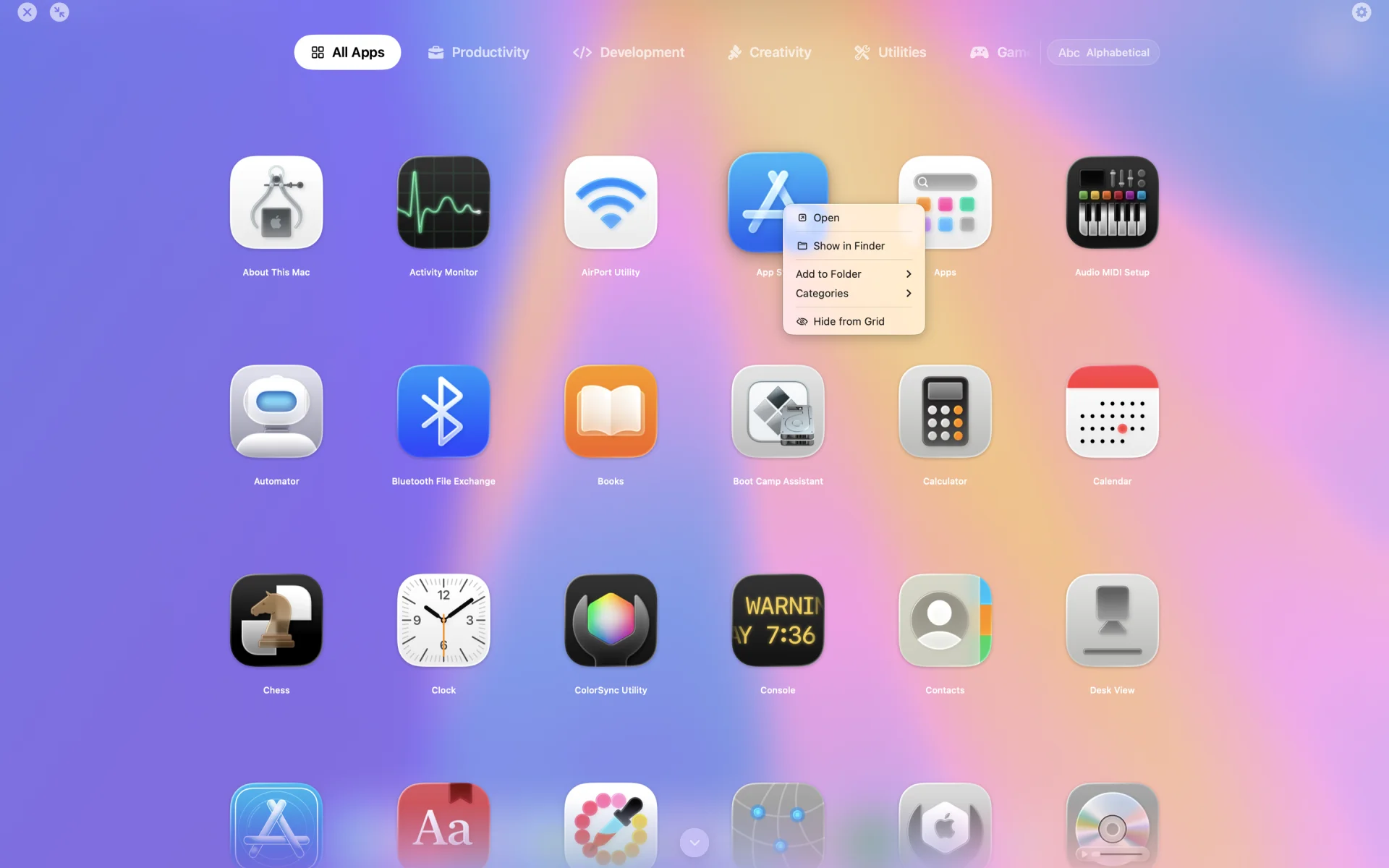
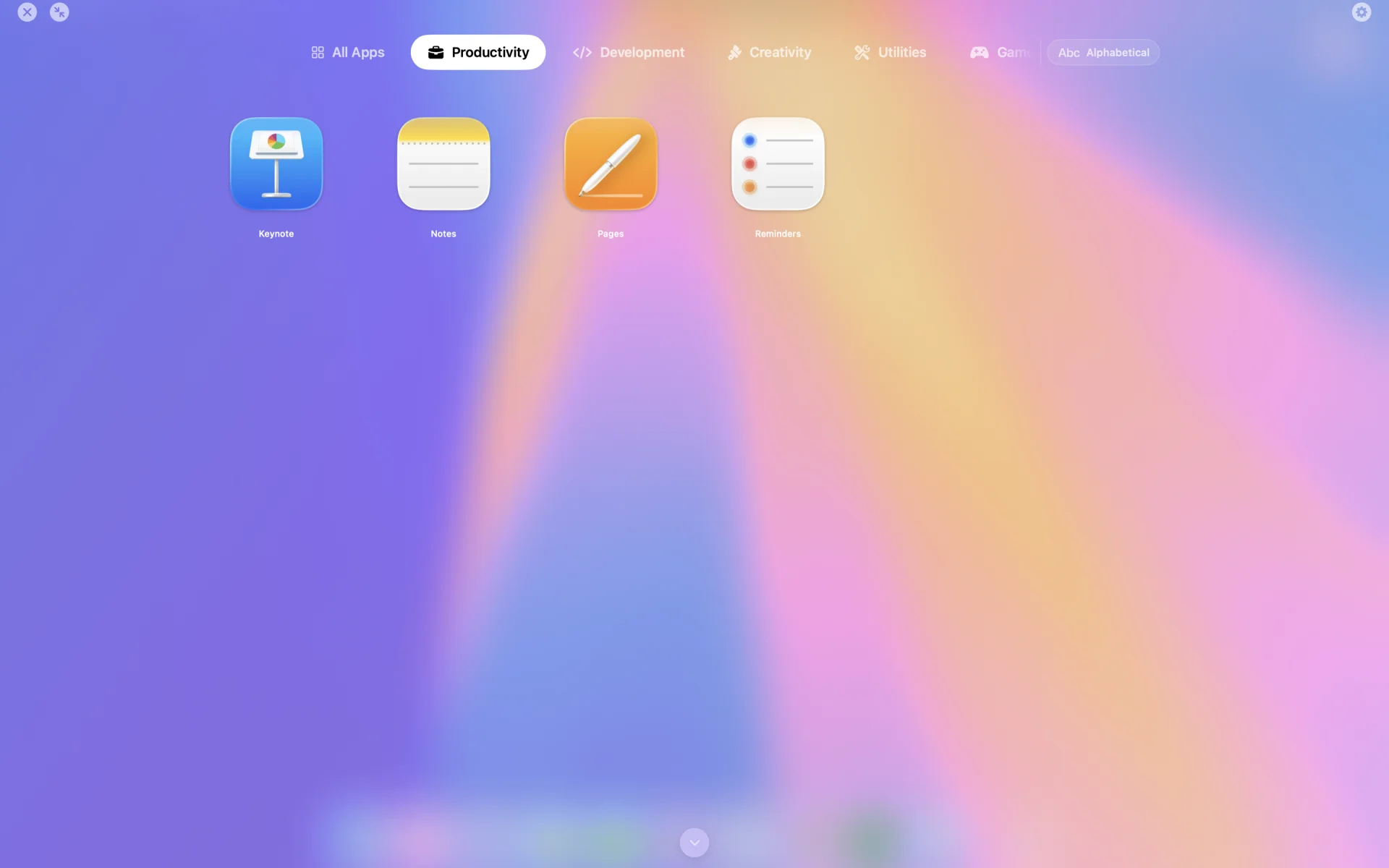
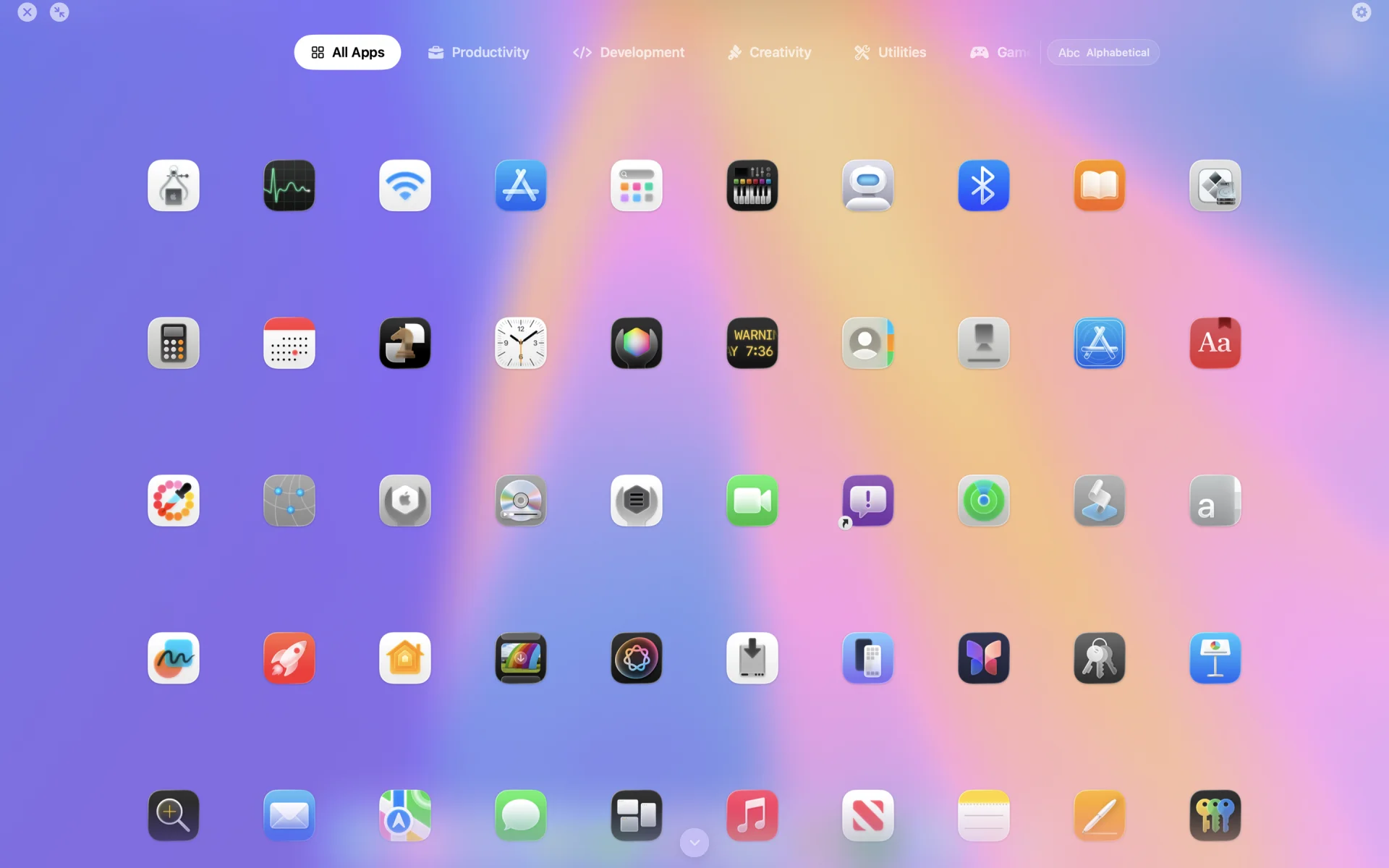
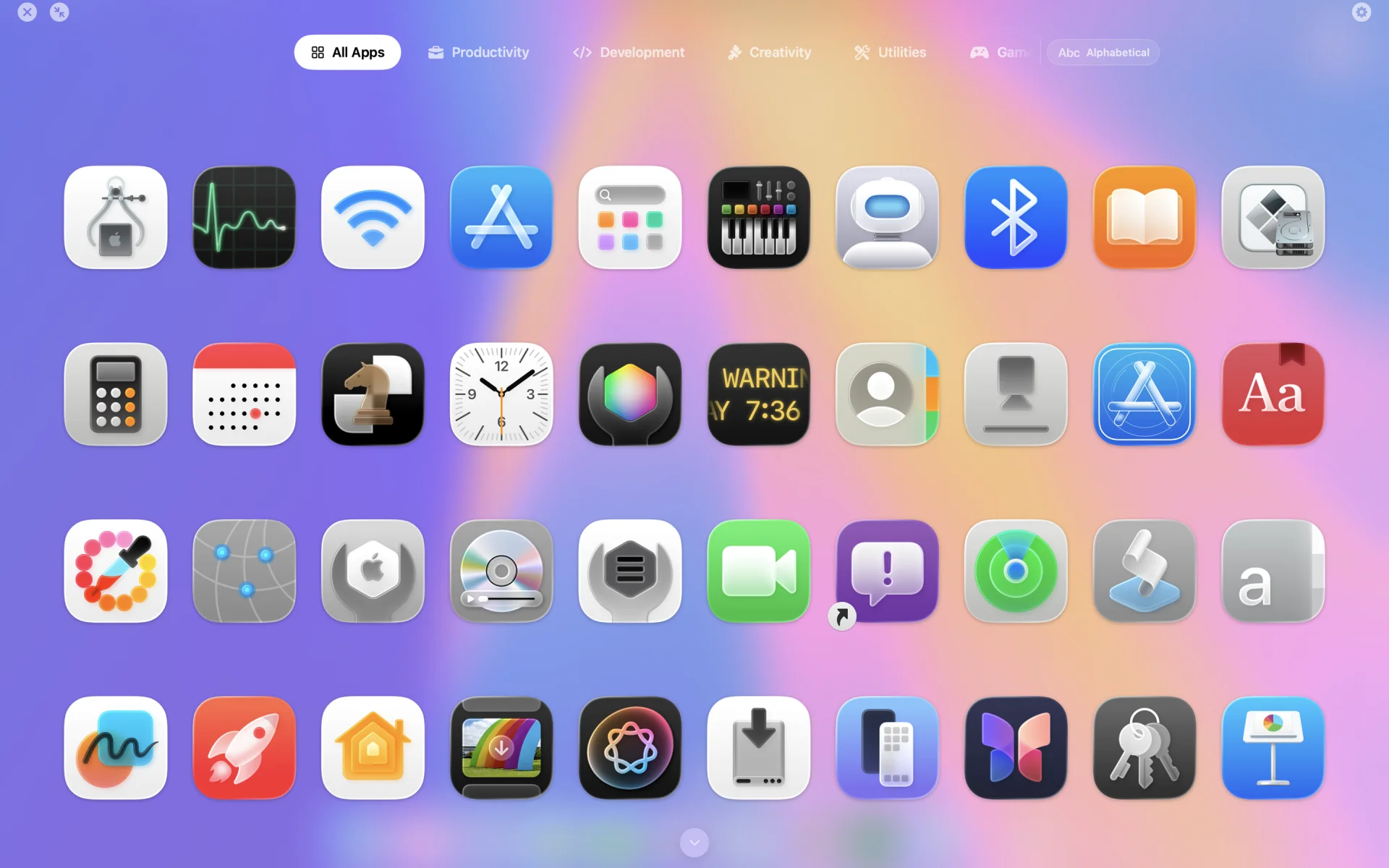
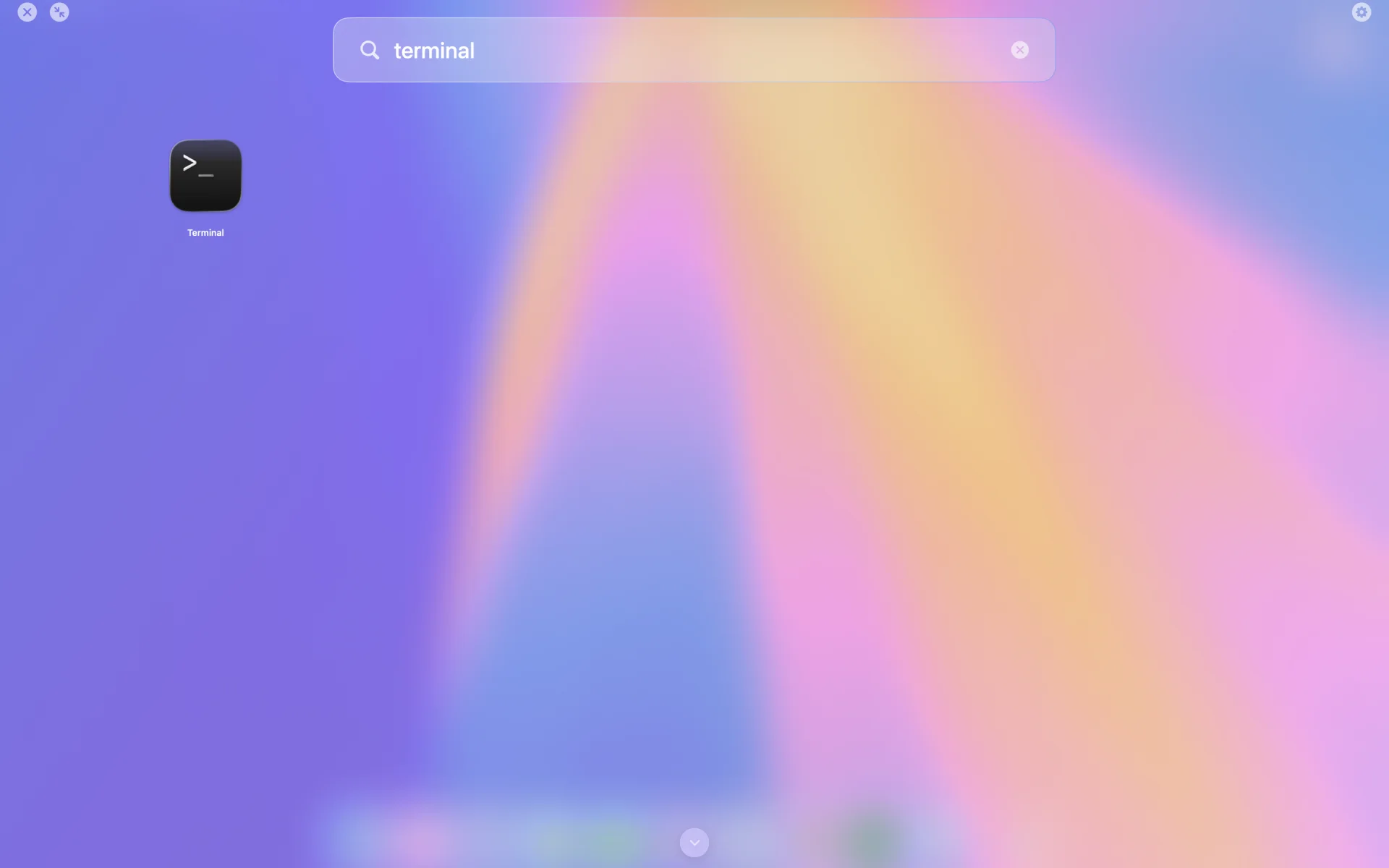
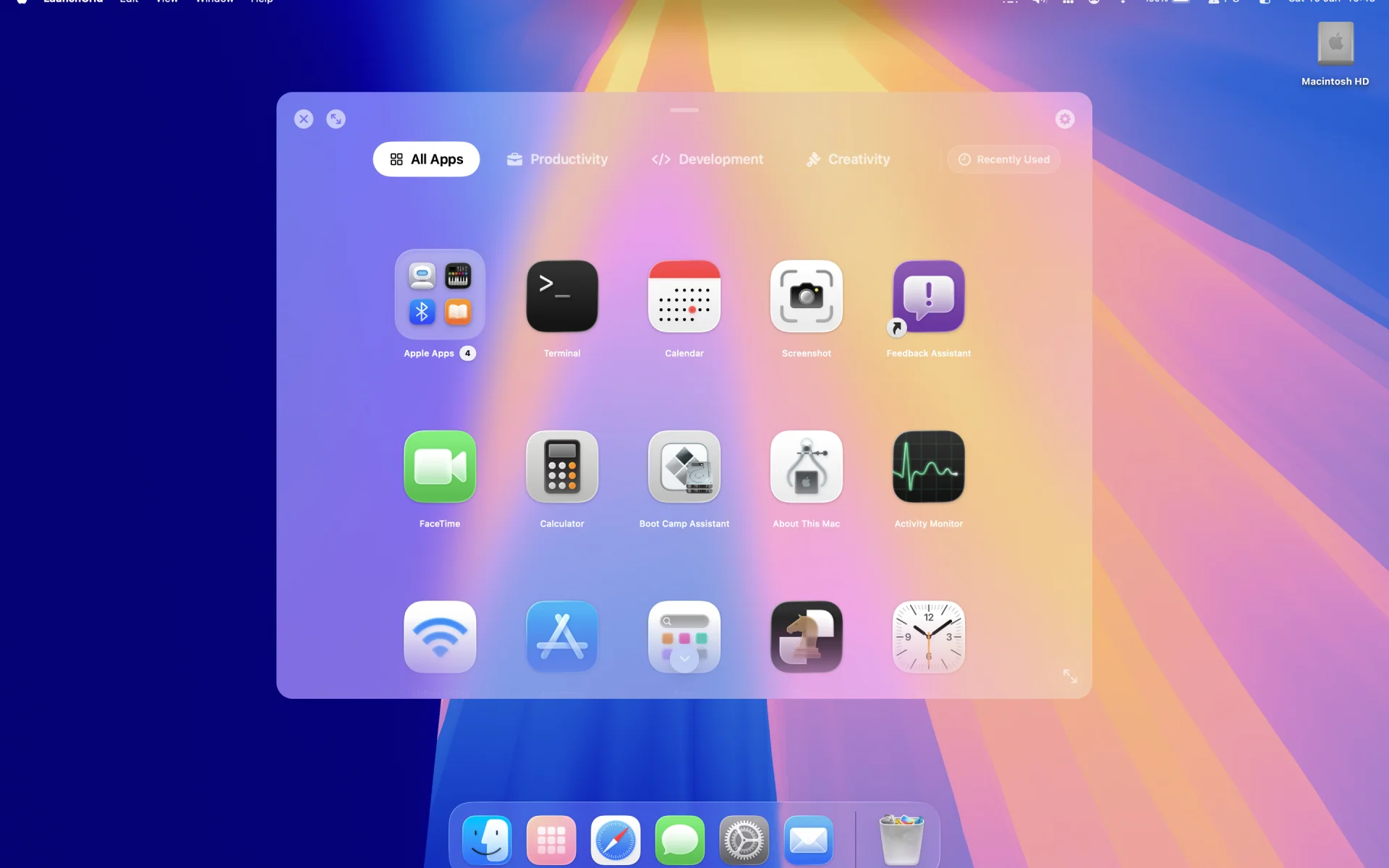
What you get
A proper app launcher that stays out of your way until you need it
Quick Access
Replace Launchpad in your dock and click to open. Start typing to search.
Organise Your Way
Create folders, sort by recent or frequent use, or just drag things where you want them.
Make It Yours
Pick your grid size, choose a theme, run it fullscreen or in a window - whatever works for you.
Fast
Icons load instantly. No spinner, no delay. Just your apps, ready to go.
Features
- Drop-in Launchpad replacement
- Search as you type
- Folders and categories
- Multiple grid sizes
- Fullscreen or windowed
- Drag-and-drop to rearrange
- Tracks your recent and frequent apps
Up and running in a minute
1
Download
Grab it from the Mac App Store* or download directly
2
Replace Launchpad
Drag LaunchGrid to your dock where Launchpad used to be
3
Click and go
That's it. Your apps are right there.